Windows game on a Mac
Assetto Corsa on a Mac: setup, launch and force feedback
Free through Steam. Content Manager and wheel force feedback are in Pro.
Updated 5 October 2026 · Uncork 1.0.2
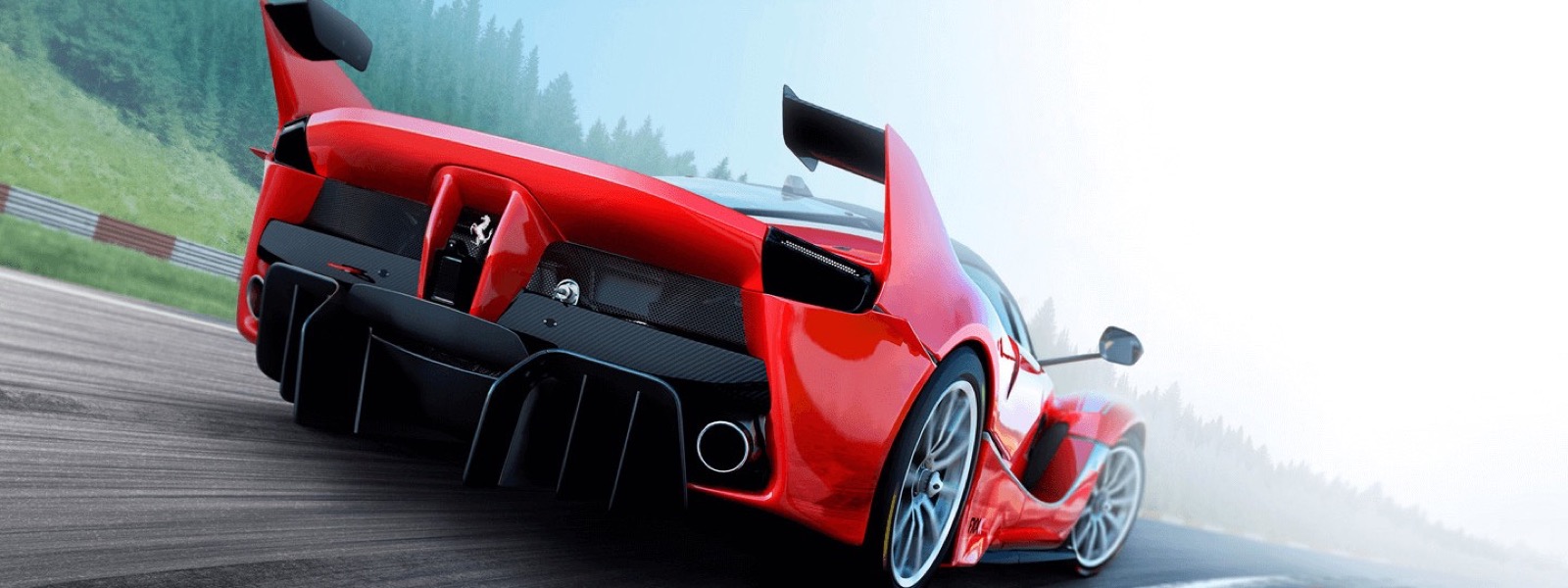
Assetto Corsa runs through Steam for free: Uncork installs the Windows components it needs (.NET, DirectX, fonts) for free. Pro adds one-click Content Manager, a race screen to pick the car, weather and time, fixes for modded graphics, and G923 wheel force feedback. Out of the box the game does not work: the launcher needs .NET, the game needs DirectX libraries and fonts, and the Steam overlay crashes the process. On ultra graphics it averages 53 fps (3 October 2026, a MacBook Pro with an M3 Pro, the owner's measurement); in the rain with RainFX we saw about 34 (27 September). We tested Logitech G923 force feedback on a real wheel. What we have not tested is listed below.
What the game needs and what Uncork does
We took the path anyone takes installing this game without Windows, and wrote every step into the code. The “Prepare to run” button on the game's card — it is free — does what used to be done by hand:
- Installs .NET Framework 4.8. The game's launcher is written for .NET 4.0. Without it, it closes three seconds after starting.
- Installs the DirectX libraries and the shader compiler (
d3dx11_43,d3dcompiler_43,d3dcompiler_47). The built-in stub forD3DX11SaveTextureToMemorycrashes the game with an access violation, so the real libraries are needed: DirectX from Microsoft, and the version 47 shader compiler as a Microsoft build taken from Mozilla's repository. They are turned on for this game only: Steam and the other games in the bottle keep the built-in ones. - Puts in fonts without which Custom Shaders Patch crashes, and rewrites the name inside each font file to match the file name, the way Windows expects. If the name inside a file does not match the file name, Steam stops signing in: we found that out the hard way.
- Turns off the Steam overlay for the game. It loads into the game's process and crashes on a delayed library load.
.NET, DirectX and the fonts are the “Windows components”: you can install them into any other bottle too, from its settings. Once prepared, Play starts Assetto Corsa through Steam, like any game. With Uncork Pro the same button also installs Content Manager, so you can pick cars and tracks the usual way, and the DXMT graphics layer (more on it below).
Steps that are already done are skipped. While .NET is being installed, Steam and games must be closed, because its installers change the Windows version in the bottle.
The race screen
With Uncork Pro, once the game is prepared, Play opens a race screen: a car with skin previews, time of day, weather, air and road temperature, and a Spotify track on the car's display. There is one track: Shutoko Revival Project with traffic, installed through Content Manager. Uncork writes the race settings itself and starts the game directly, without the launcher. Without Pro, Play starts the game through Steam and its own launcher.
If loading a track stalls and the game's logs stay silent for thirty seconds, Uncork closes the game and starts it again; if the second start fails too, it shows an error. This happened with mods on our Mac, and a retry usually goes through.
What frame rate
Two measurements, and we call them that.
| When and whose | Scene | Frames per second |
|---|---|---|
| 3 October 2026, the owner's measurement | ultra graphics | 53 on average |
| 27 September 2026, ours, by the Metal HUD | 1512×982 window, high settings without Extra FX, Custom Shaders Patch 0.3, Pure, rain (RainFX), Shutoko Revival Project traffic, the DXMT layer | about 34 |
Both on a MacBook Pro 14″ with an M3 Pro and 18 GB. For the owner's measurement only the graphics preset and the average are recorded, not the track or the graphics layer. No repeats, and other tracks and cars were not measured, so this is an order of magnitude, not a promise. The first launch with rain is much slower because the game prepares its effects: ours ran at about three frames per second. After nine hours of running, the process held 13 GB of 18 on our machine; how much it holds in a normal one- or two-hour session we have not measured. Close heavy apps before playing.
With Custom Shaders Patch version 0.3 under D3DMetal we saw pink squares on edges and highlights, so with Pro Uncork runs Assetto Corsa on DXMT. Patch version 0.2.11 drew cleanly under D3DMetal. We turn “Even frames” off for this game: it got in the way while a map loaded.
Logitech wheel force feedback
In Assetto Corsa and BeamNG.drive a Logitech G923 wheel is visible but gets no force feedback without our library. Since version 0.16.1 Uncork ships its own build of the SDL library with force feedback for the G923 and G29 (it is based on the Logitech wheel driver in SDL 3.4, written by the community). Force feedback is part of Uncork Pro (since version 1.0.1; in 1.0 it was in the free core); the Pro trial lasts 7 days and needs no account.
- G923, PlayStation and PC version (USB 046d:c266). Tested live in Assetto Corsa: the game's log identifies the device as “Logitech G923”, there are no force-feedback initialisation errors, and force feedback works. The Xbox version of the G923 has not been tested.
- G29. Supported in code, not tested on real hardware.
- Other wheels (G920, Thrustmaster, Fanatec) have not been tested.
For force feedback to work, the game window must be in front while it loads: otherwise the game does not get exclusive access to the wheel and logs a CreateEffect failed error. The new library takes effect after a full restart of Steam. It is safest to connect the wheel before Steam starts; we have not tested whether Steam picks up a wheel plugged in while it is running.
How to start
- Buy Assetto Corsa on Steam and install the game in Uncork through your bottle.
- Open the game's card and press “Prepare to run” — it is free. While .NET is being installed, Steam and games must be closed.
- Press Play: without Pro the game starts through Steam; with Uncork Pro a race screen opens — pick a car, time and weather. The Pro trial lasts 7 days and needs no account.
- For a wheel, connect it before Steam starts and keep the game window in front while it loads.
Custom Shaders Patch, Pure and traffic mods are installed separately, through Content Manager: Uncork does not distribute them.
More games



Read next
- Which games we have tested on a Mac — the games we have run ourselves, with frame rates, machine and date
- Why aim feels floaty on a Mac — measurements and code: macOS delivers the mouse once per display frame
- Uncork: frequently asked questions — price, safety, first launch, supported Macs and games